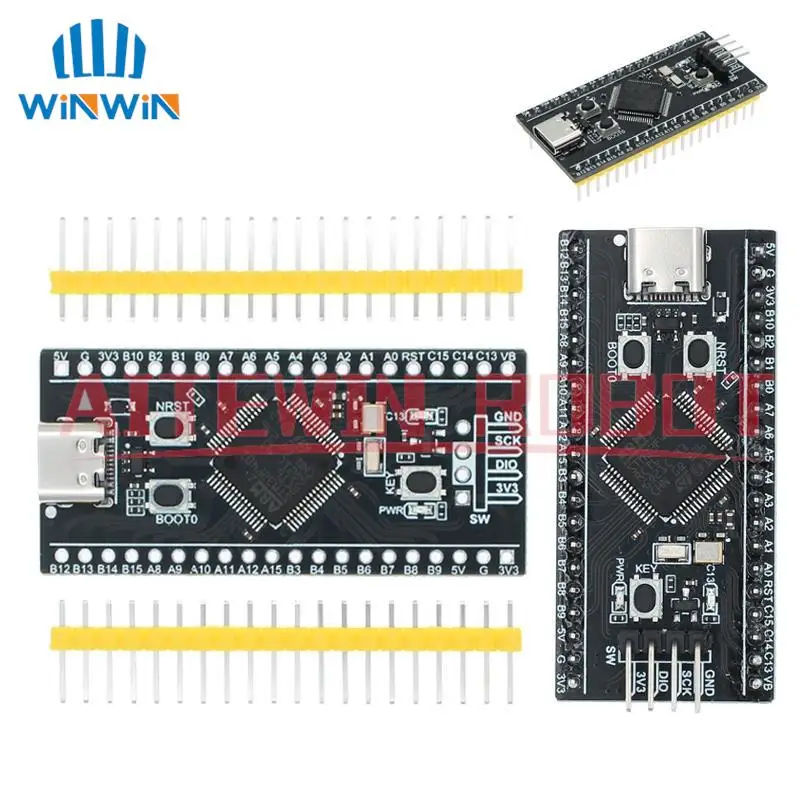
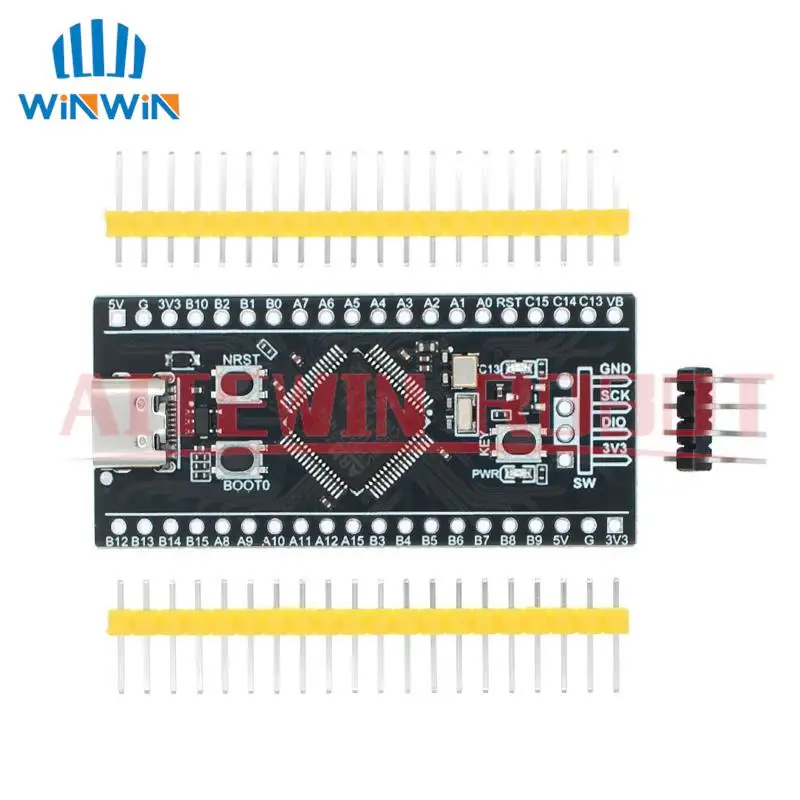

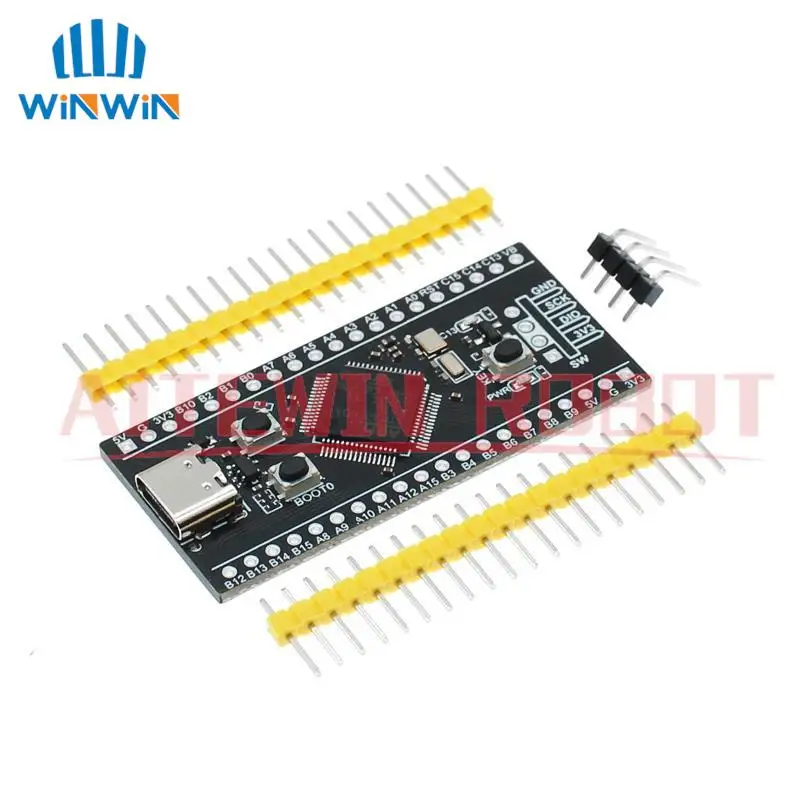
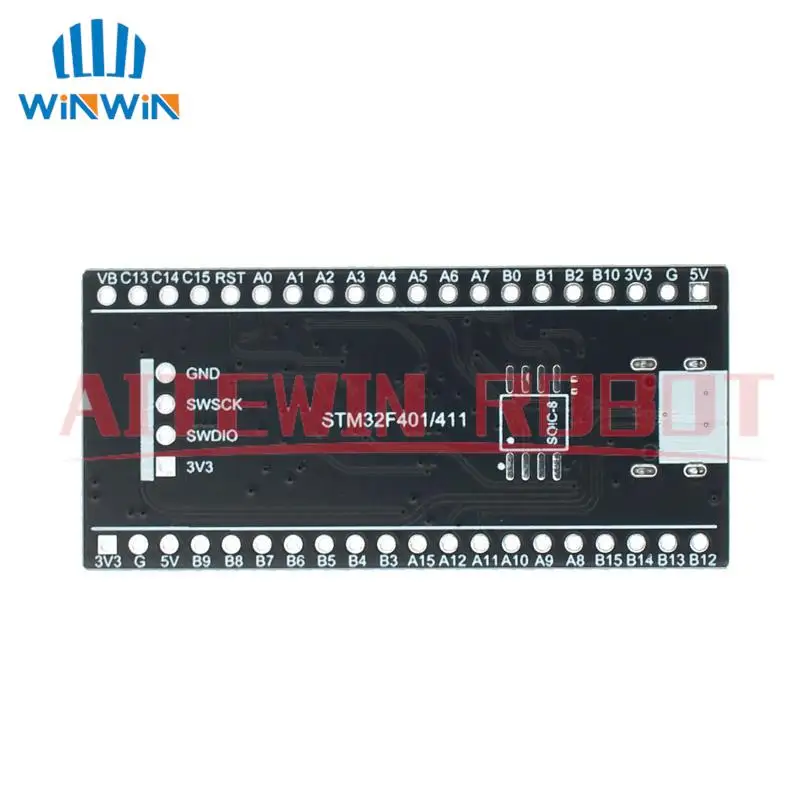
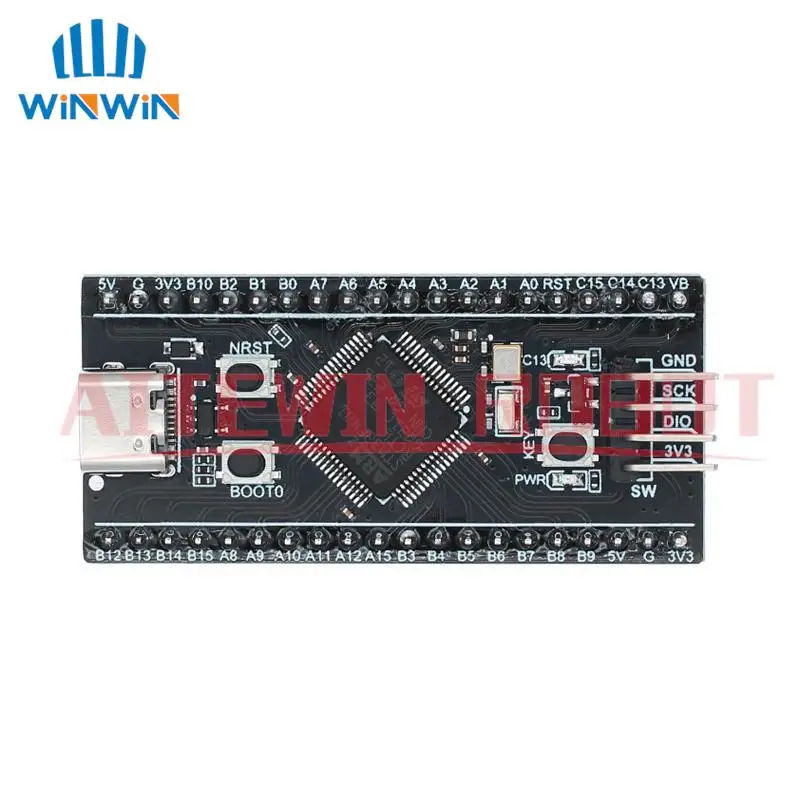
STM32F401RCT6 Minimum System Development Board STM32 ARM Core Learning Board Modul Typ-C Port
The new version of STM32F401RCT6 development board is fully compatible with the old version of STM32F401CCU6, the difference lies in the chip package is different, can be directly replaced. Data download links: https://pan.baidu.com/s/16JkaaW5h65oxxe4guZp1ew extraction code: d192 STM32 burn download instructions: https://www.weact-tc.cn/2019/11/30/STM32Download/ Part MicroPython tutorial: https://www.weact-tc.cn/2020/01/01/micropython/ ISP mode download Method 1: Press and hold the BOOT0 key and Reset key during power-on, then release the reset key and release the BOOT0 key after 0.5 seconds Method 2: In power-off state, hold down the BOOT0 key and release BOOT0 for 0.5S after power-on The USB data cable is connected to the TYPE-C interface of MCU, and the serial port is connected to PA9 and PA10. STM32CubeProg and WeAct Studio Download Tool are recommended for downloading software Serial port download USB to serial port (ex. : CH340) TX-PA10, RX-PA9, and do not connect MCU Type-C to the computer, must use external power supply, otherwise it will affect MCU download Use STM32CubeProgammer for serial port download USB download (DFU download) 1.STM32CubeProgrammer Select USB mode and WeAct Studio Download Tool. Double-click WeAct Studio USB Download Tool.bat and perform operations as prompted 1.MCU enters ISP mode and connects computer with USB data cable 2. Select the firmware and perform other operations the same as downloading through the serial port Device Manager -> Universal Serial Bus device STM32 Bootloader or DFU in FS Mode device appears If STM Device in DFU Mode is displayed, right-click the device and select Delete the Driver software of the device. Then install the driver in WeAct Studio Download Tool/DFU_Driver/Driver/ directory. Select STM32Bootloader.inf and right-click Install The USB download may be unstable due to weather conditions. For example, if the following ERROR occurs repeatedly or the device can