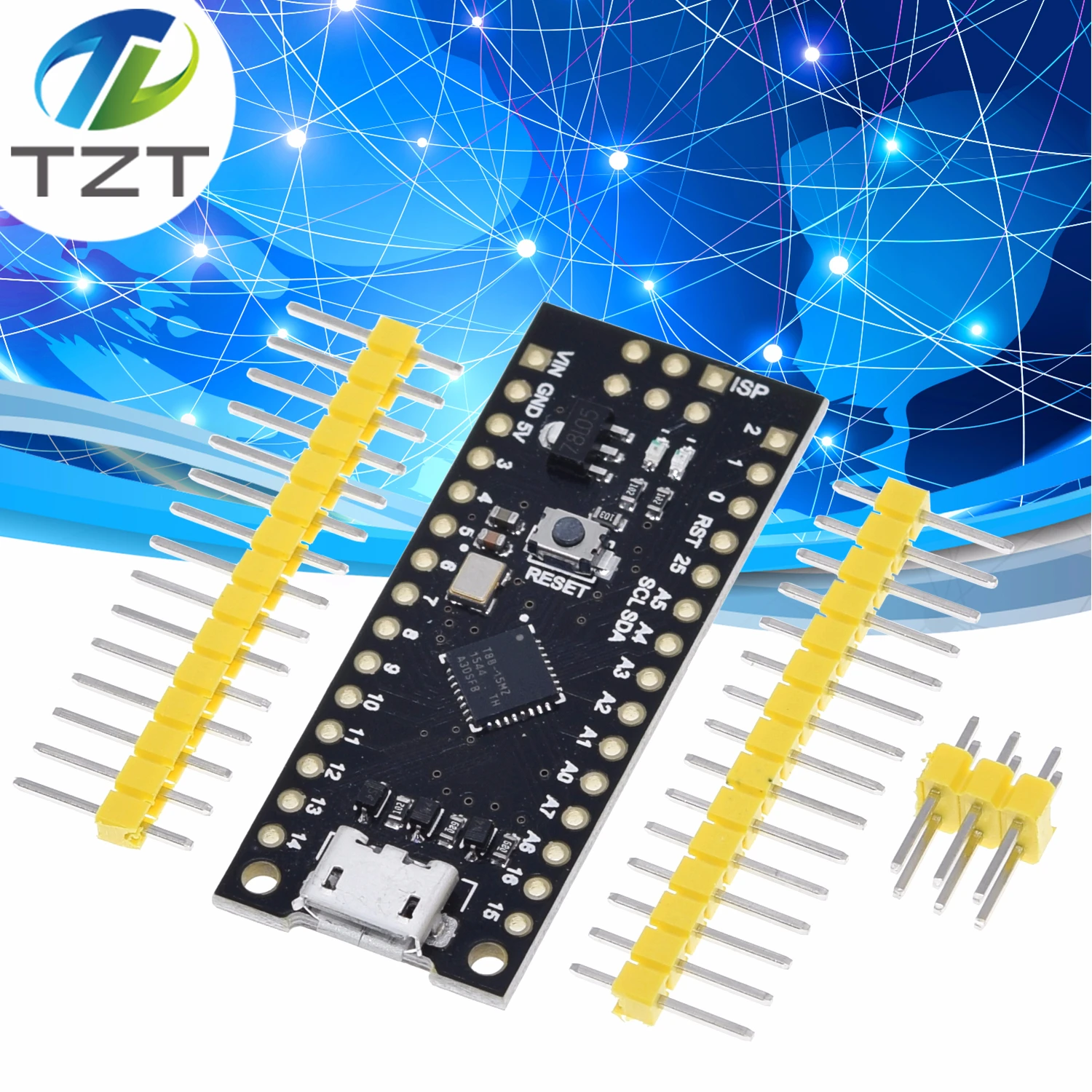
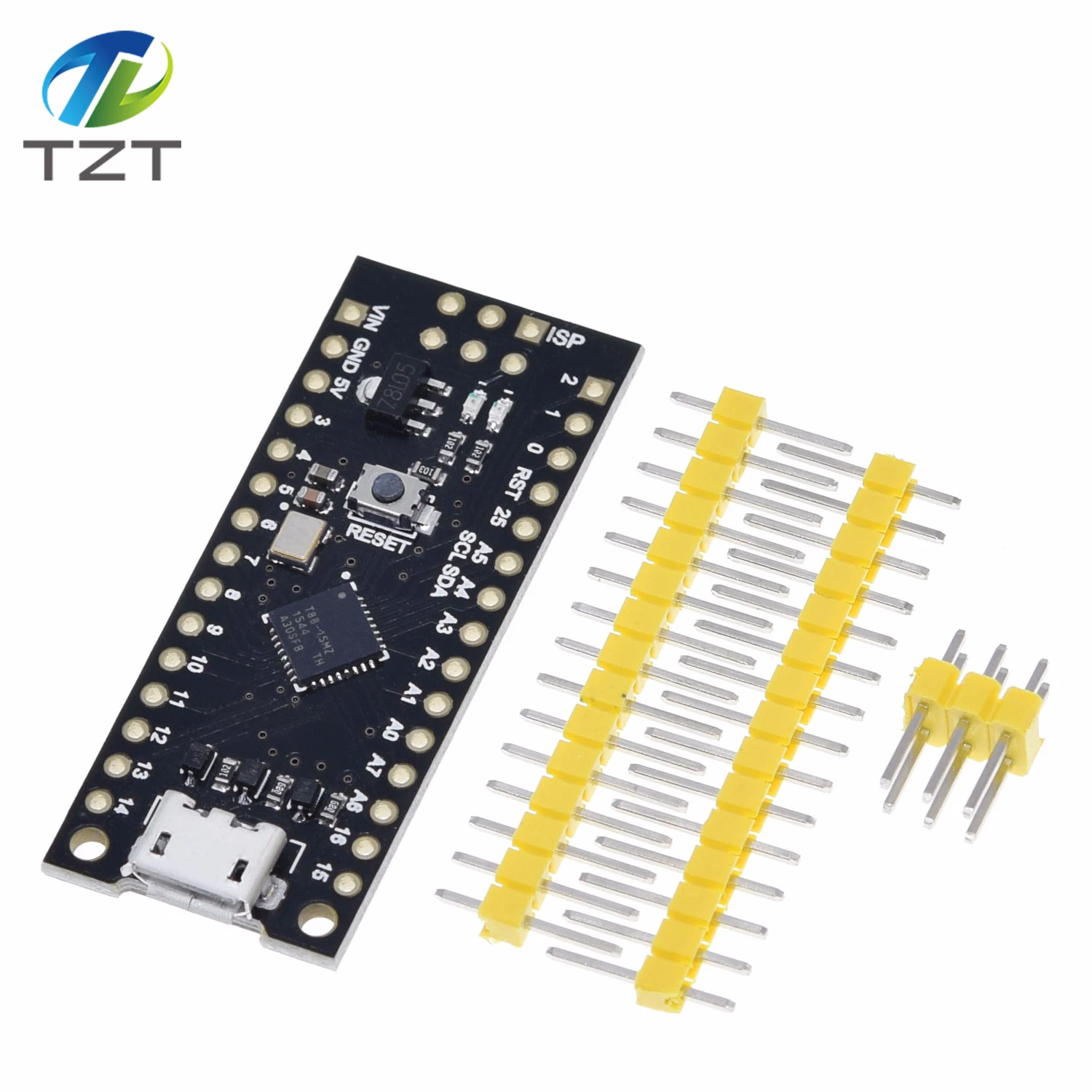
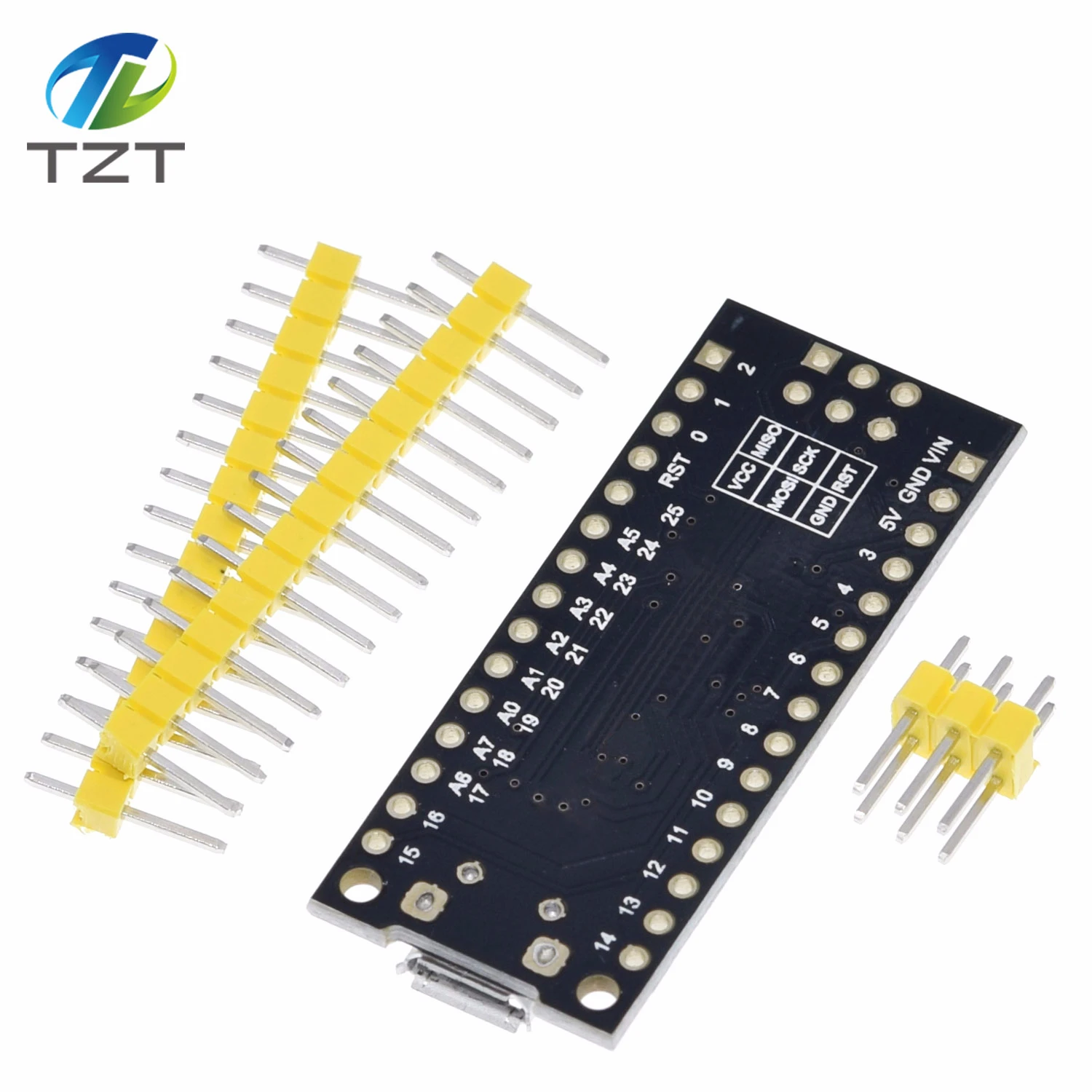
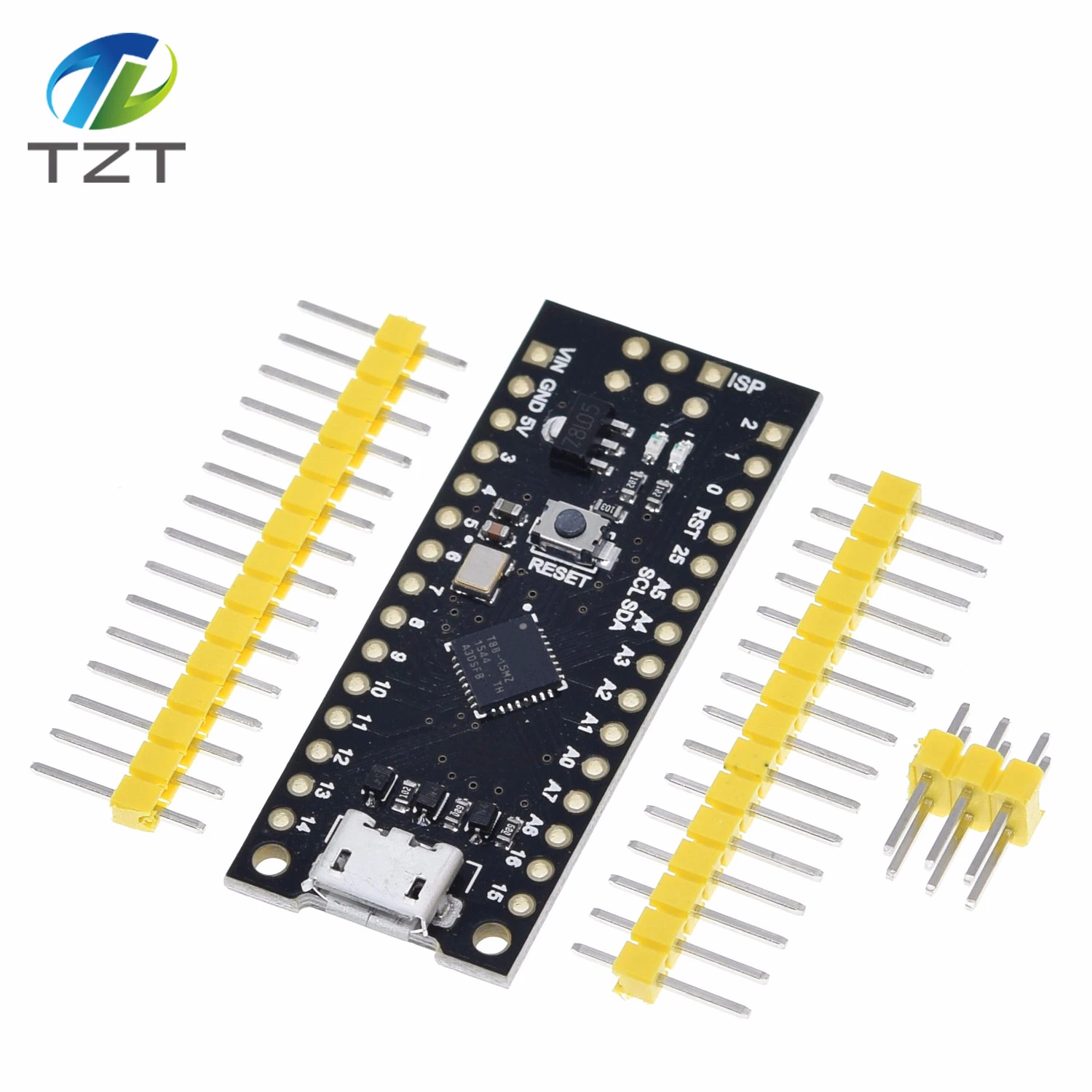
ATTINY88 Mikro-Entwicklungsboard 16 MHz / Digispark ATTINY85 aktualisiert / NANO V3.0 ATmega328 erweitert kompatibel für Arduino
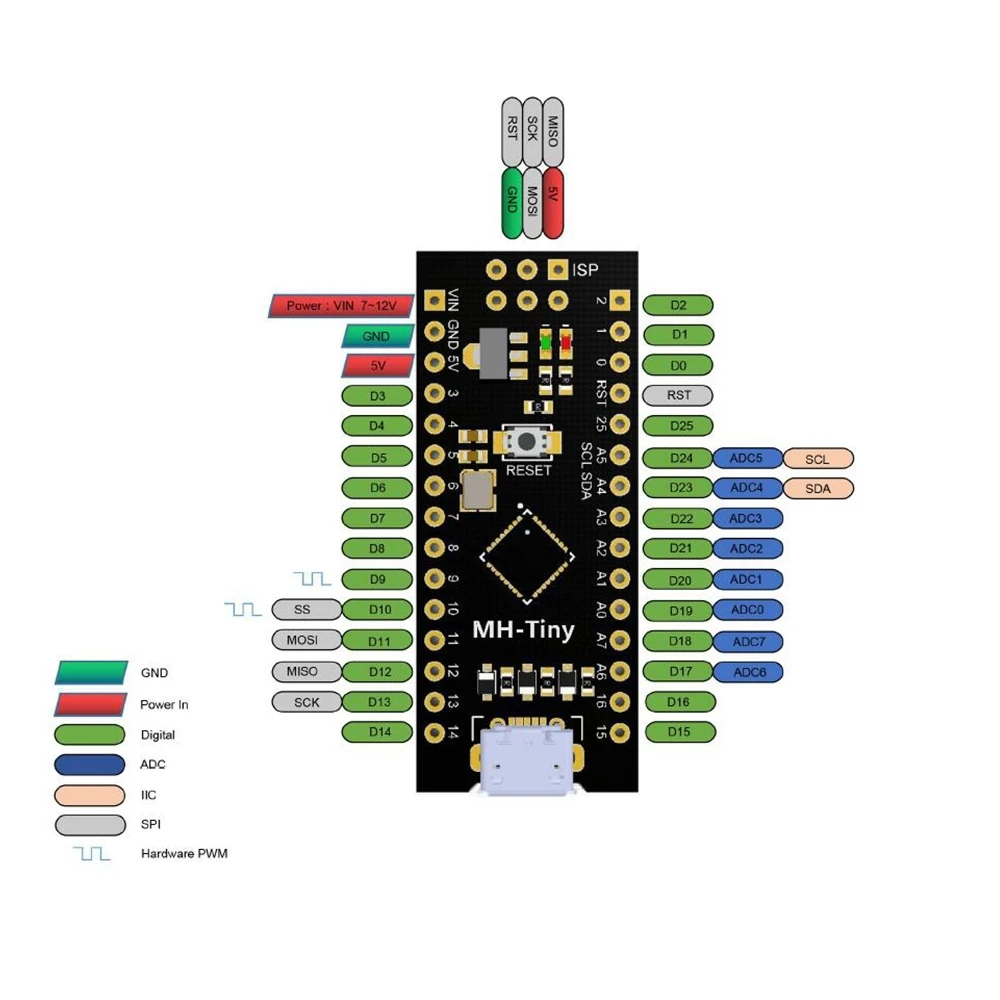
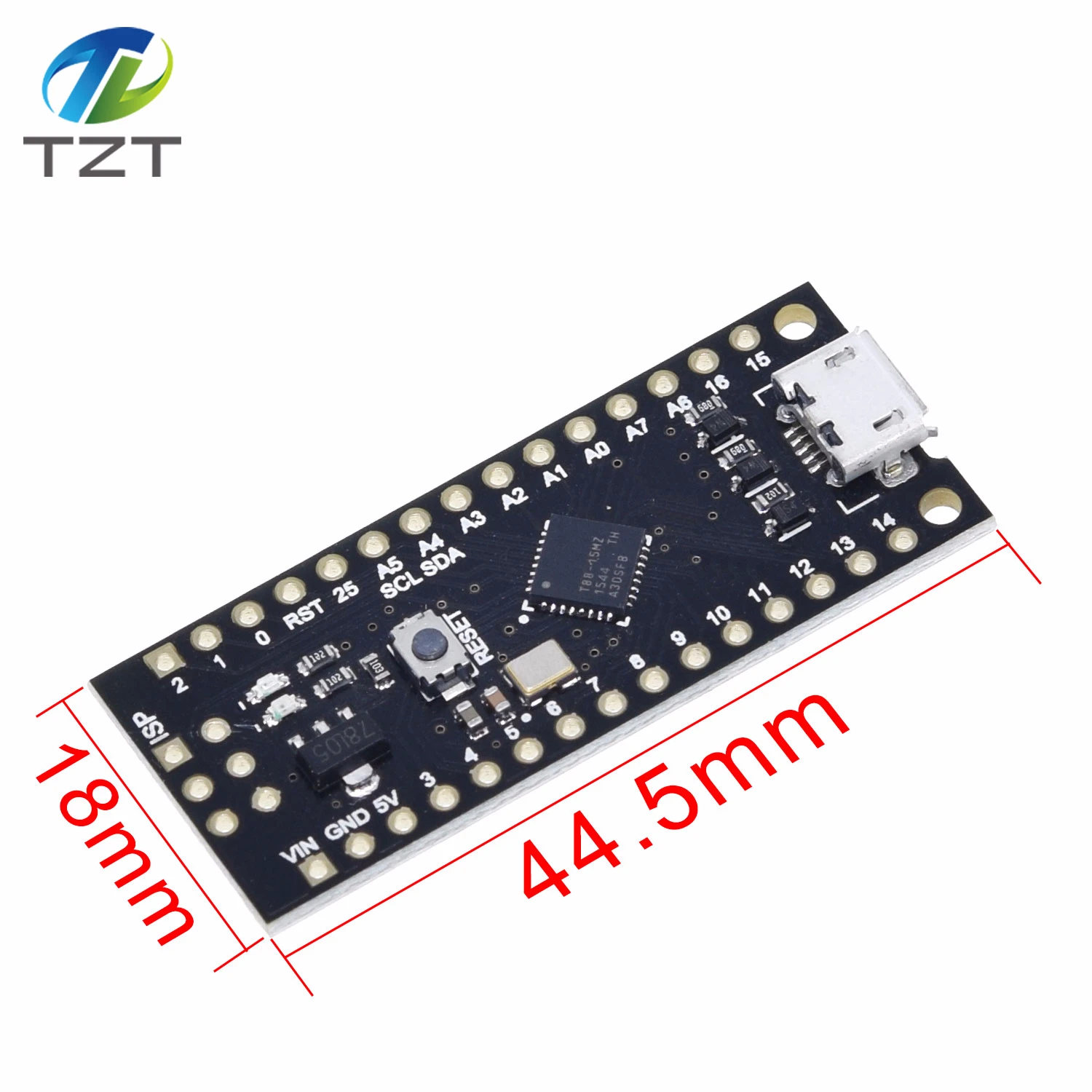
wy-plugin-end BBS: http://forum.mhetlive.com/ The MH-ET LIVE Tiny88(16.0Mhz) based microcontroller development board similar to the Arduino line, only cheaper, smaller, and a bit less powerful. With the ability to use the familiar Arduino IDE the MH-ET LIVE Tiny88(16.0Mhz) is a great board to jump into electronics, or perfect for when an other board is too big or too much.The MH-ET LIVE Tiny88(16.0Mhz) is shipped fully assembled except for the headersincluded and easy to solder them by yourself. Specs: Support for the Arduino IDE 1.0+ (OSX/Win/Linux) 1. Power via USB or External Source - 5v or 7-35v (12v or less recommended, automatic selection) 2. On-board 500ma 5V Regulator 3. Built-in USB 4. 26 I/O Pins (2 are used for USB only if your program actively communicates over USB, otherwise you can use all 6 even if you are programming via USB) 5. 8k Flash Memory (about 6k after bootloader) 6. I2C and SPI 7. 26-PWM (26 pins with Software PWM,only two(D9,D10) with hardware PWM ) 8. ADC on 8 pins 9. Power LED and Test/Status LED 10. Size(mm):44.5x18.3x3 PinOut: Installation Instructions: First download the appropriate Arduino package at the Arduino.cc website: http://www.arduino.cc/en/Main/Software If using Arduino 1.6.6 or higher and windows - you will need to download and install the drivers manually. Download, unzip and run “Install Drivers” (on 32bit systems) or “DPInst64” (on 64bit systems). The driver files are located here: http://github.com/MHEtLive/MHEtLiveArduino/releases/download/1.0.0/ 2.0a4.rar Install or Unzip the Arduino application. Run the Arduino application. In the Arduino application go to the “File” menu and select “Preferences”,In the box labeled “Additional Boards Manager URLs” enter: http://raw.githubusercontent.com/MHEtLive/arduino-boards-index/master/p ackage_mhetlive_in