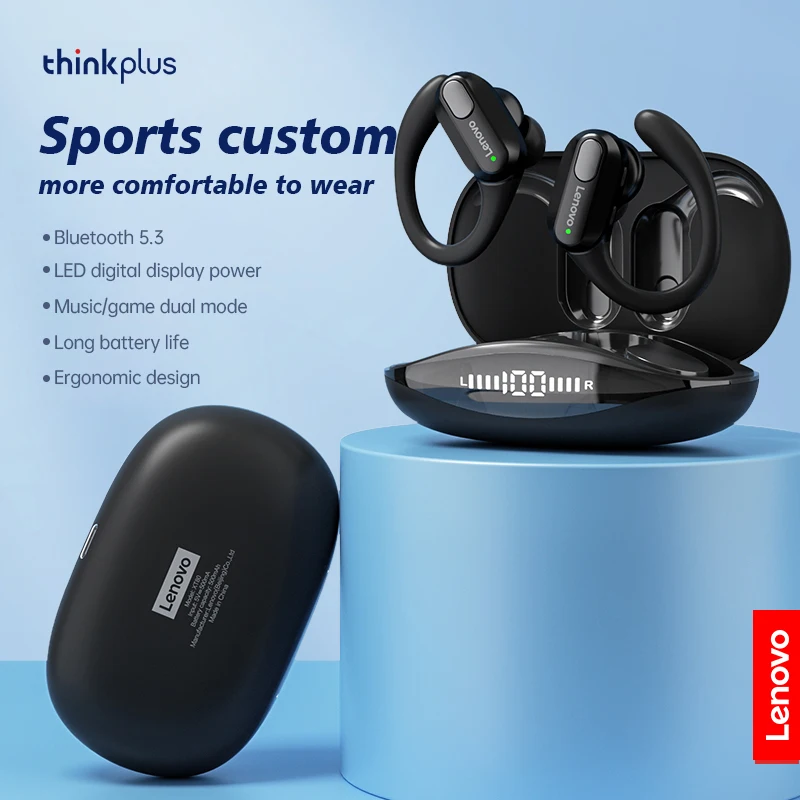
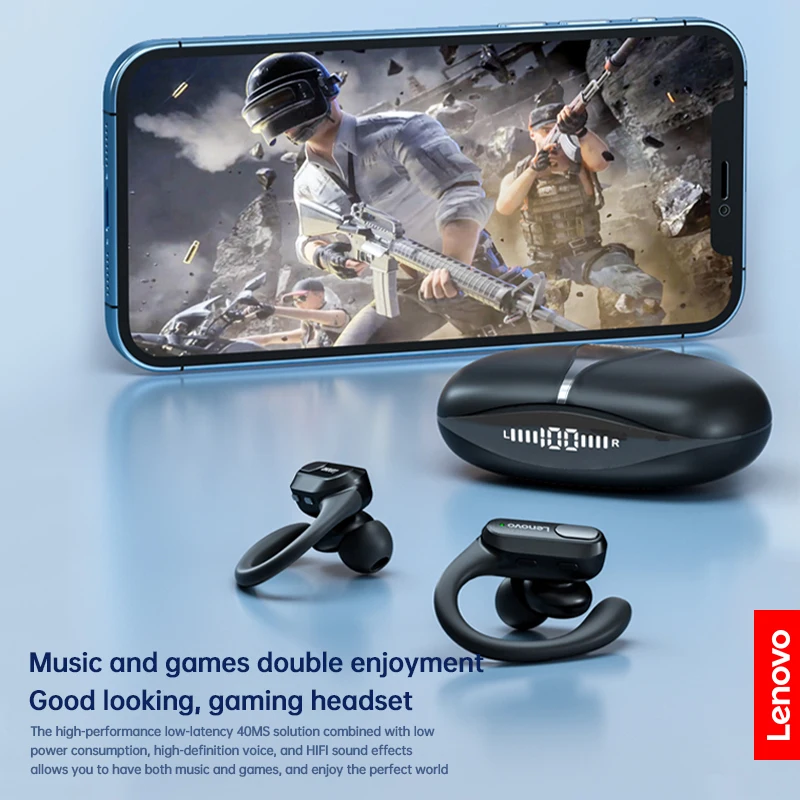
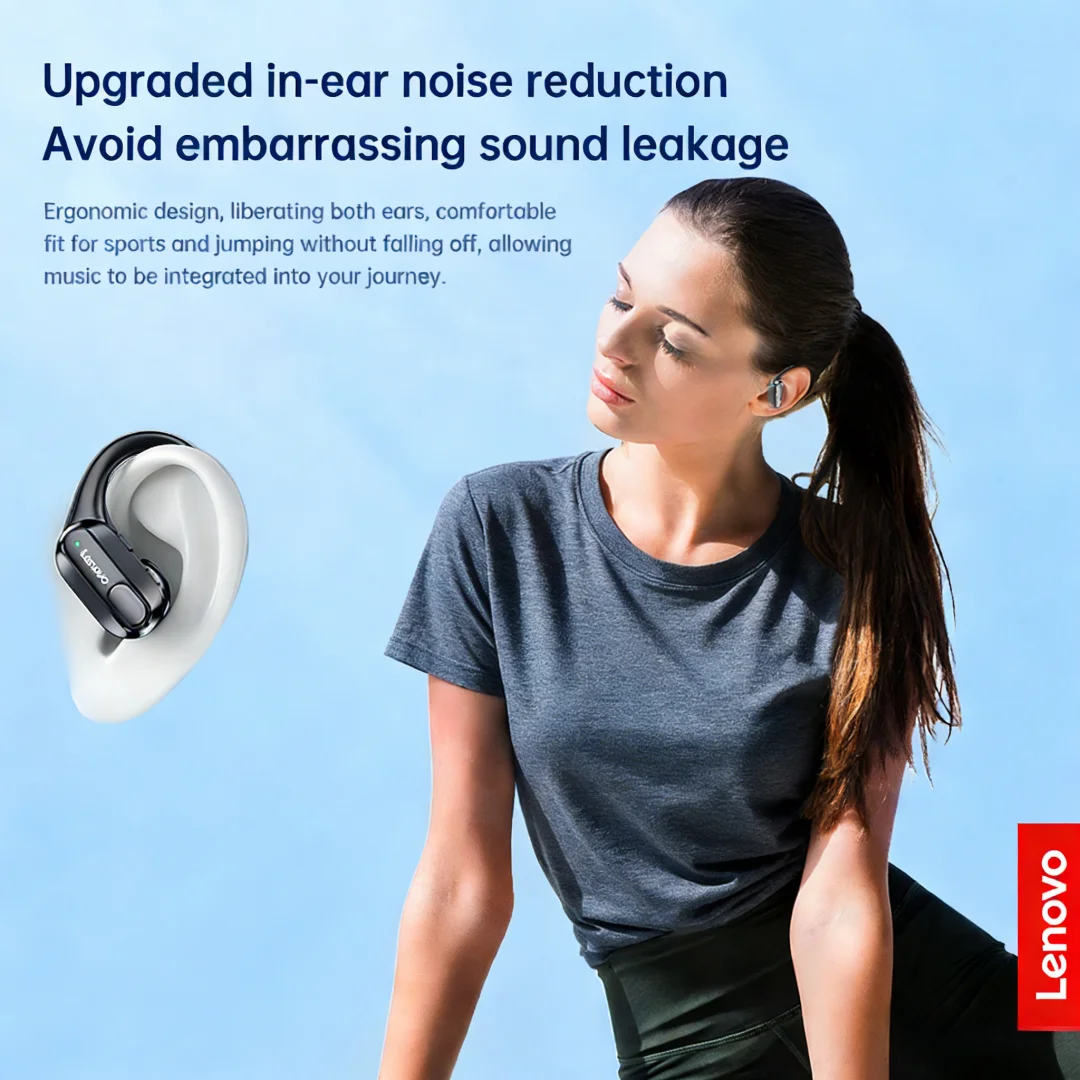
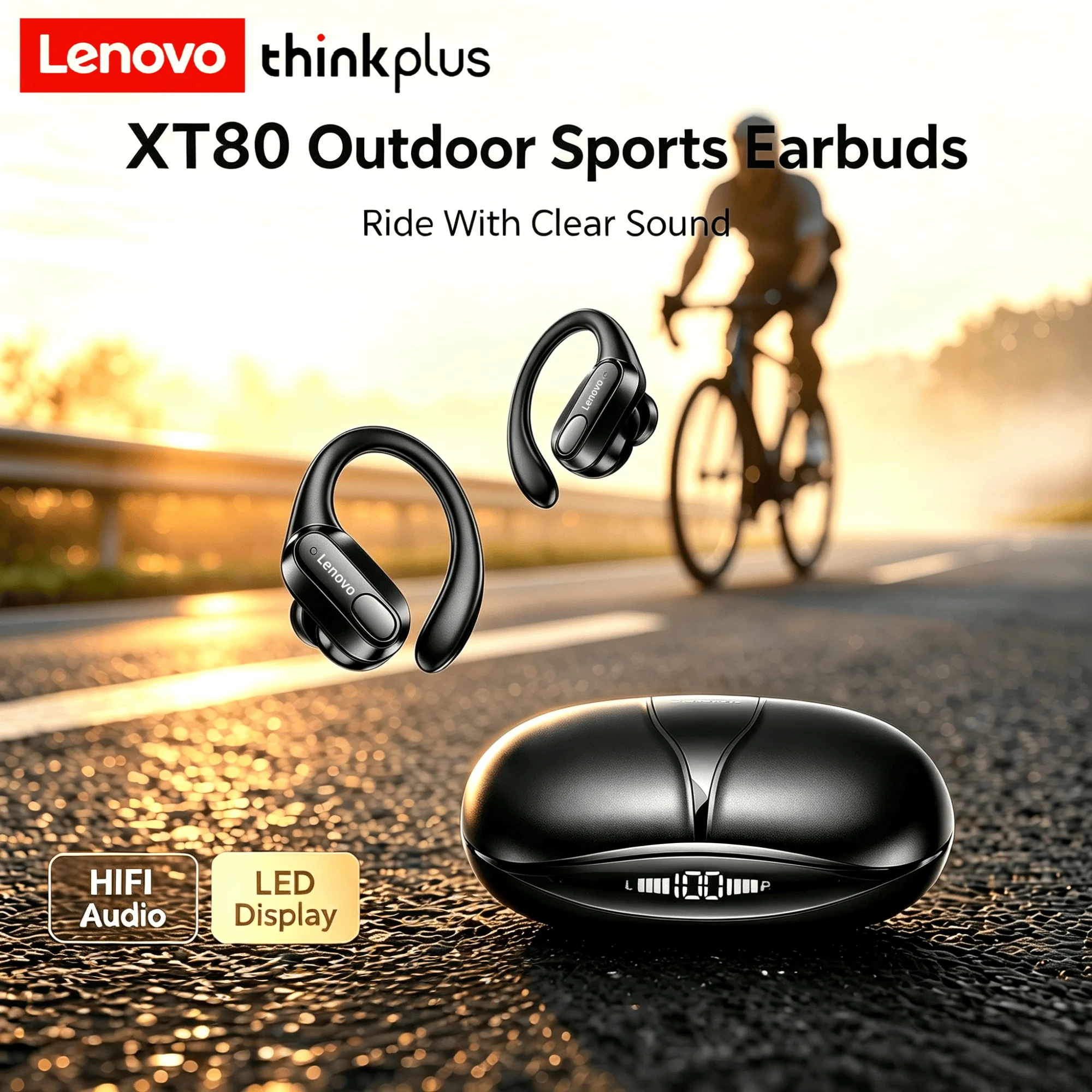
Original Lenovo XT80 Sport-Funkkopfhörer mit Mikrofonen, LED-Leistungsanzeige, Hifi-Stereo-Sound, Bluetooth 5.3 TWS-Kopfhörer
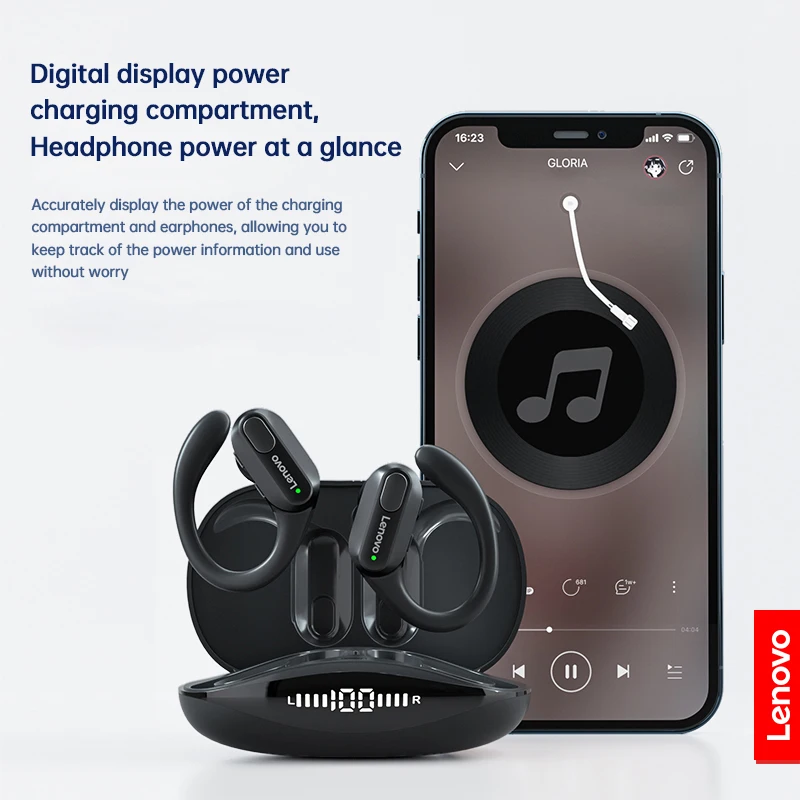
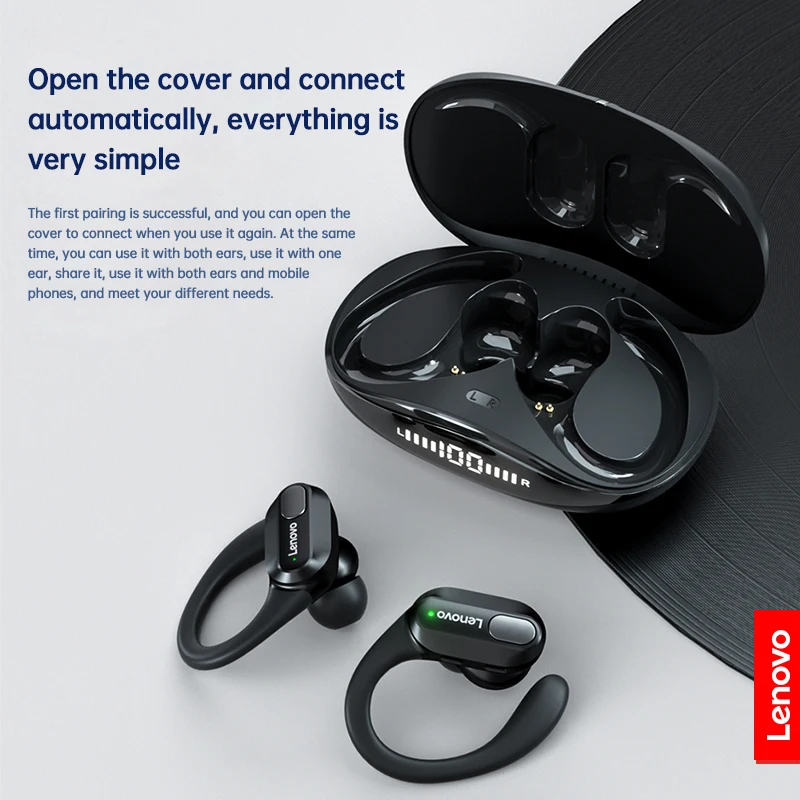
• Wireless Bluetooth 5.3 :Enjoy seamless connectivity with the latest Bluetooth 5.3 technology for uninterrupted audio streaming. • Built-in Microphone :Take calls on-the-go with ease thanks to the built-in microphone that allows for hands-free communication. • LED Power Display :Keep track of your headphones' battery life with the convenient LED power display that shows you how much charge is left. • Volume Control :Adjust the volume of your music or calls with ease using the convenient volume control feature. Lenovo XT80 Ear Hook Sports Wirless Headephone Product Feature: Model No.: XT80 Effective Distance: About 10m Horn Diameter: 13mm Playing Time: About 5-6 Hours Earphone Battery Capacity: 55mAh Battery Capacity of Charging Case: 500mAh Charging Time: About 1.5 Hour Bluetooth Version: V5.3 Package List: Bluetooth Earphone*2 Charging Case*1 Charging Cable*1 Instruction*1 Ear Cap*6 FAQ 1. Why two earphones cannot be connected synchronously? TWS Bluetooth earphones can be paired together for use, or used separately for left and right earphones. If one of the left and right earphones is not working, it means that your earphones are not paired together. In this situation, pairing the headphones again can solve the problem. 2. How to pair two earphones. Step 1: Delete the Bluetooth link of the corresponding earphone on the phone, and then turn off the phone's Bluetooth function. Step 2: Put both the left and right earphones back into the charging compartment. Step 3: Wait for 10 seconds, take out both left and right earphones from the charging compartment, and wait for the earphones to match. Step 4: Wait for 10 seconds, turn on the Bluetooth function of the phone, search and connect the headphones to use. 3. Can I activate Siri voice controls with these headphones? Yes, you could activate Siri by long pressing the left earphone Button for 2 seconds. 4. Does this have a built-in mi