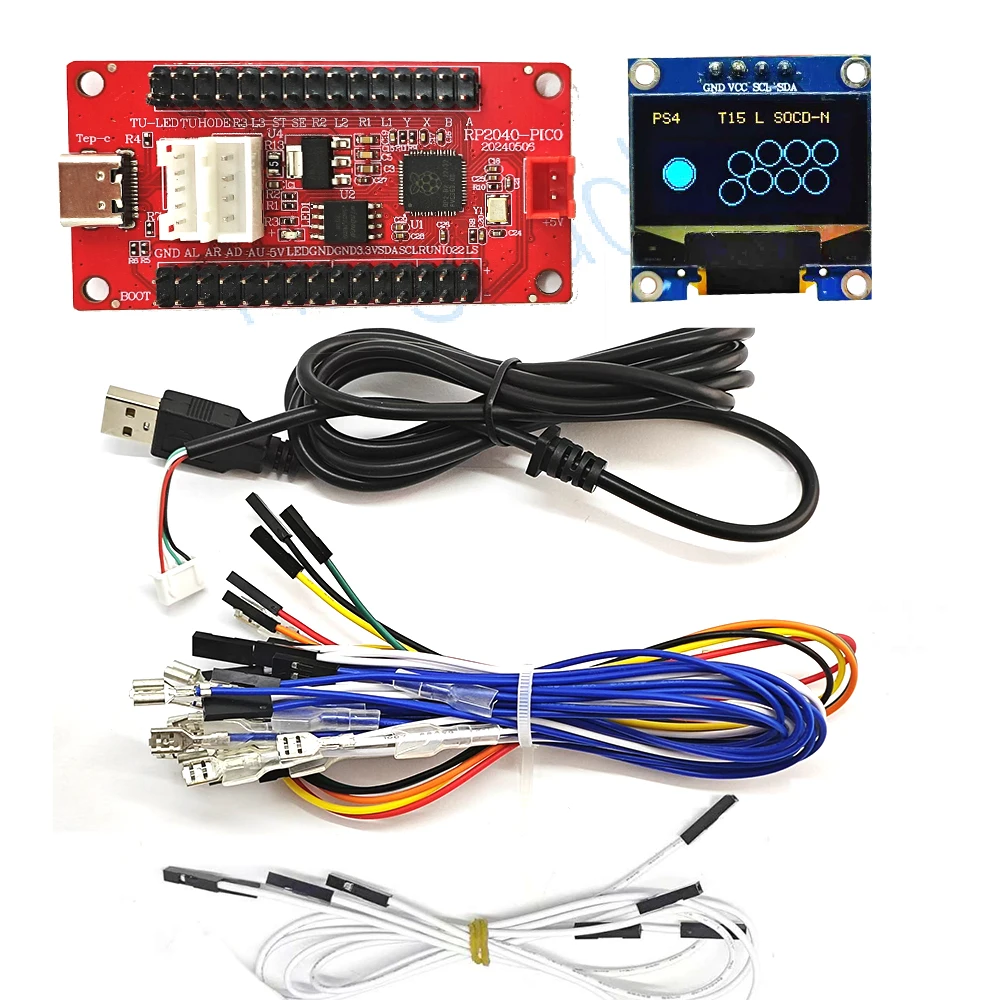
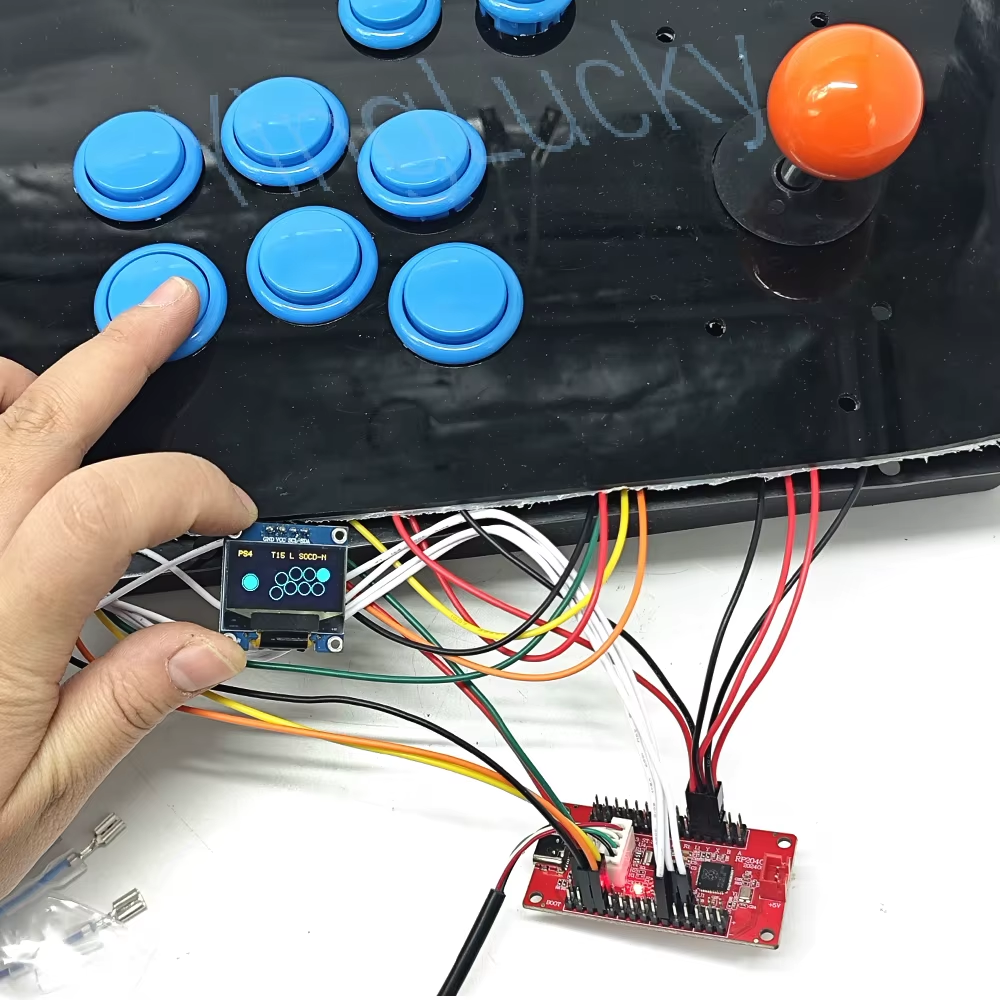
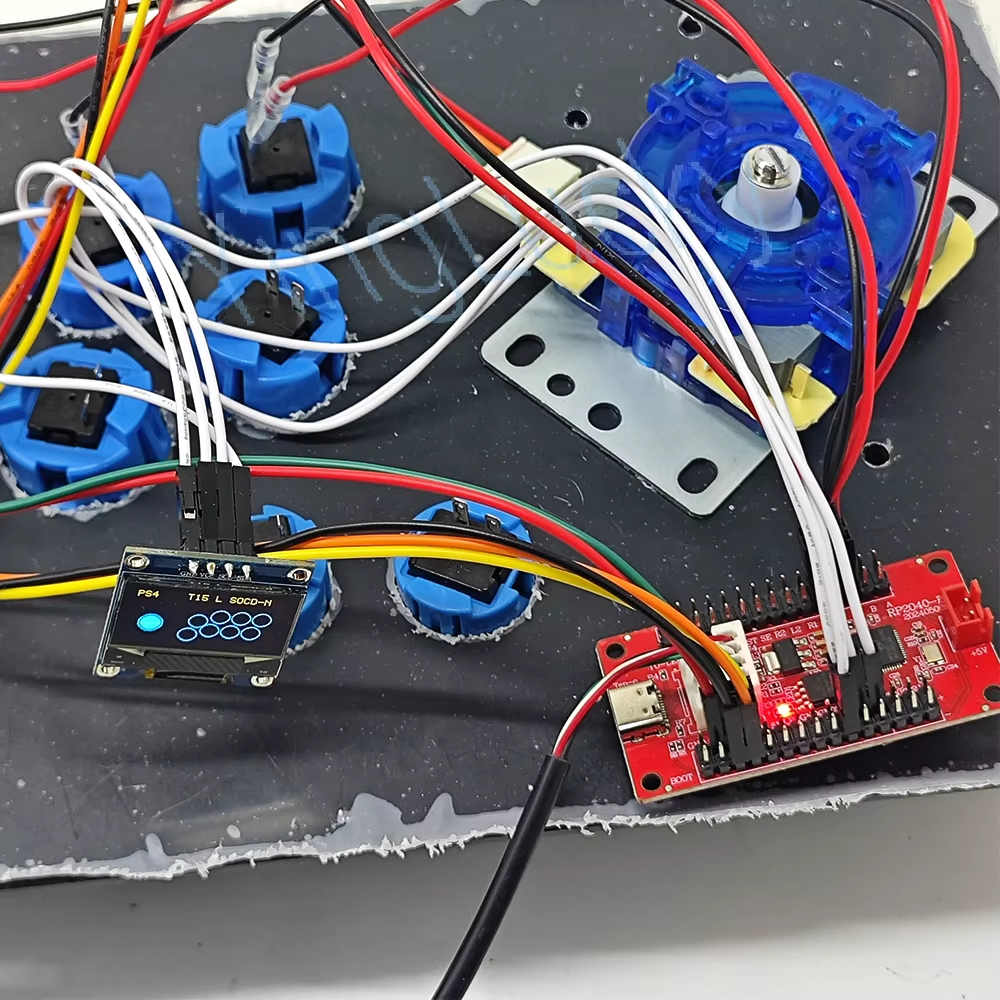
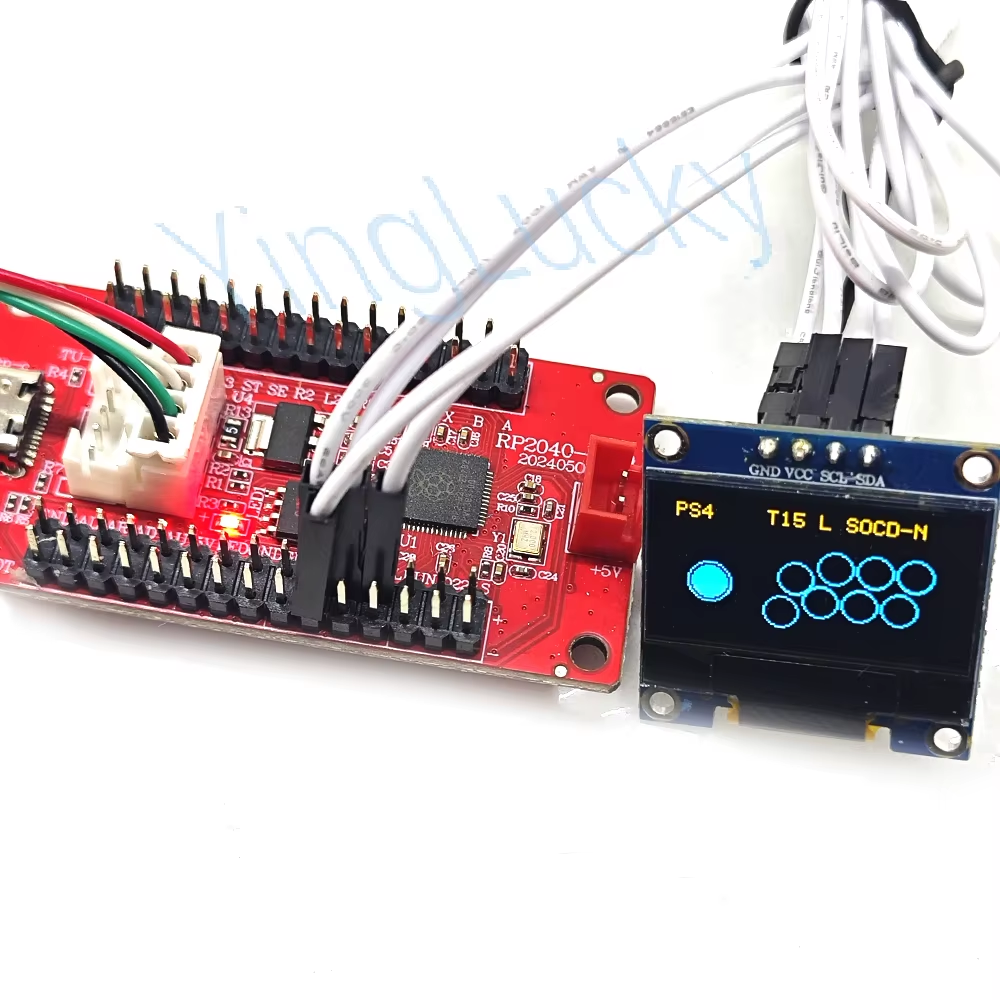
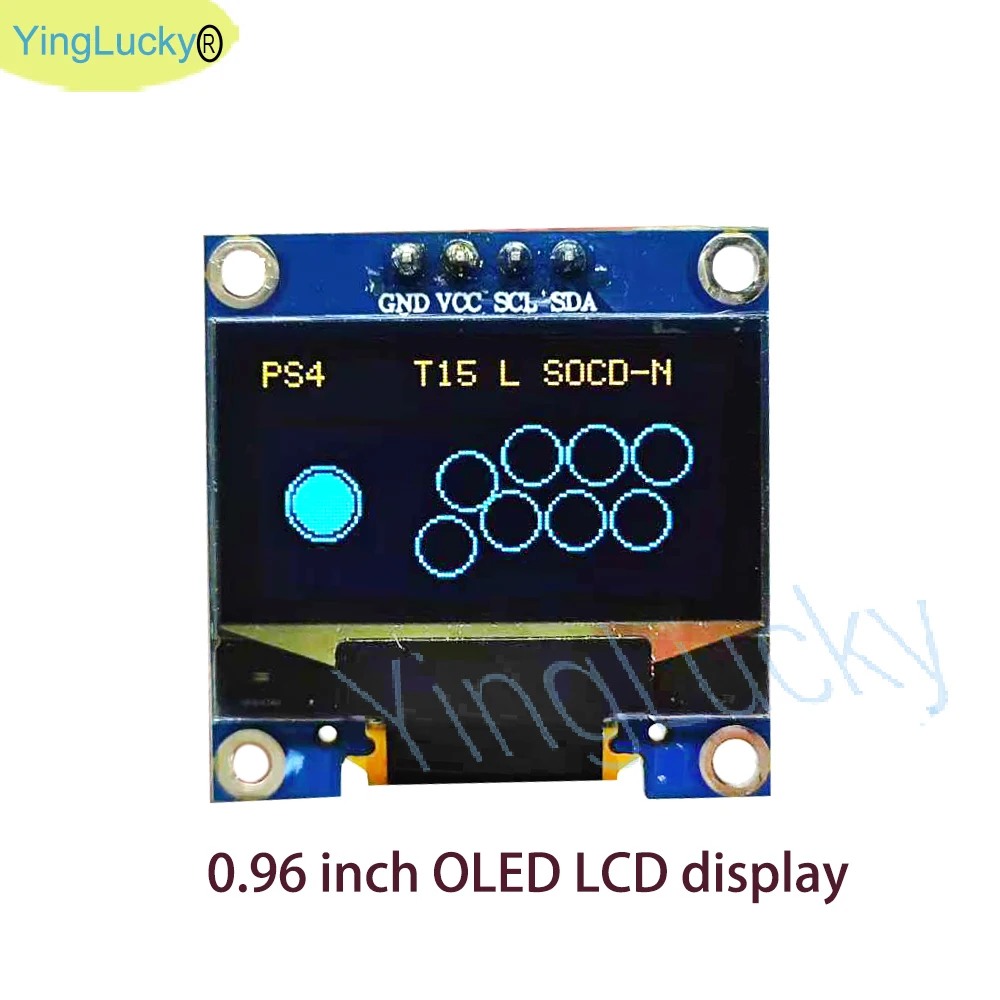
Raspberry Pi Pico Zero USB-Karte mit Encoder für PC PS4 Switch Arcade Joystick Hitbox Controller Oled-Kabel DIY Gaming-Teile Ki
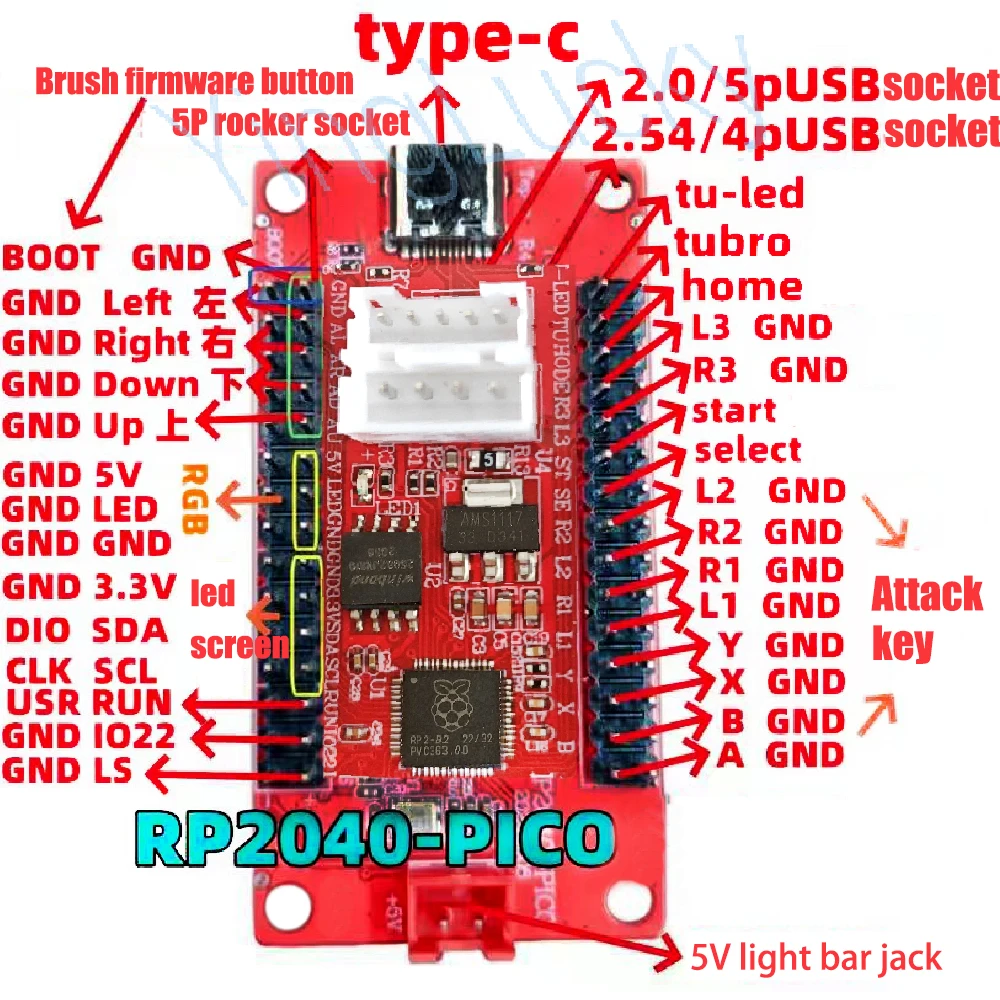
Description Product features: Compatible with PS4/PS3/Switch/PC computers/Android phones PS4 program key has been added, bootless, with SOCD post overwrite mode Key Introduction 1) HOME key * 1: Turn on the controller or execute commands from the host. 2) Direction keys * 1 group: up, down, left, and right. 3) Function control keys * 4: A, B, Y, X. 4) 4 function keys: R1/L1/R2/L2/SELECT/START/L3/R3 6) 1 combo key: TUBRO key (combo), press TUBRO once Click CLEAR (Clear) Mode switching Press and hold the A key to plug in: Switch: suitable for Nintendo Switch Press and hold the B key to plug in: Pc/xinput suitable for PC/PC360 Press and hold the X key to plug in: X-PS3/Dinput is suitable for PS3/PC hosts Press and hold the Y key to plug in: Y-PS4: applicable to PS4 host Press and hold R1 to plug in: HID computer keyboard mode Button Introduction: 1) HOME key * 1: Turn on the controller or execute commands from the host. 2) Direction keys+1 group: up, down, left, right. 3) Function control keys * 4: A, B, Y, X. 4) 4 function keys: R1/L1/R2/L2/SELECT/START/L3/R3 6) 1 combo key: TUBRO key (combo), press TUBRO C-PAD mode SELECT+STARTDOTN Normal D-Pad Mode SELECT+STARTHEFT - Left analog joystick mode SELECT+STARTRIGHT - Right analog joystick mode SOCD mode: Switching the S0CD mode allows for special operations such as thick covers. Press the following buttons when turning on the device: HOE+STARTHDOTN - Return to center (UD=N.L+R=N)